
No email address
Create an account directly in the app. Your inbox stays yours.
VaultSec Desktop · Windows
Encrypted chats, your own communities and time together in Talk. Start the free Windows beta with just a username and password. No email address. No real name.
Free open Desktop beta · available now
Create an account directly in the app. Your inbox stays yours.
Choose how people know you. A username is enough to get started.
Messages and files are encrypted on your device. No paid plan needed.
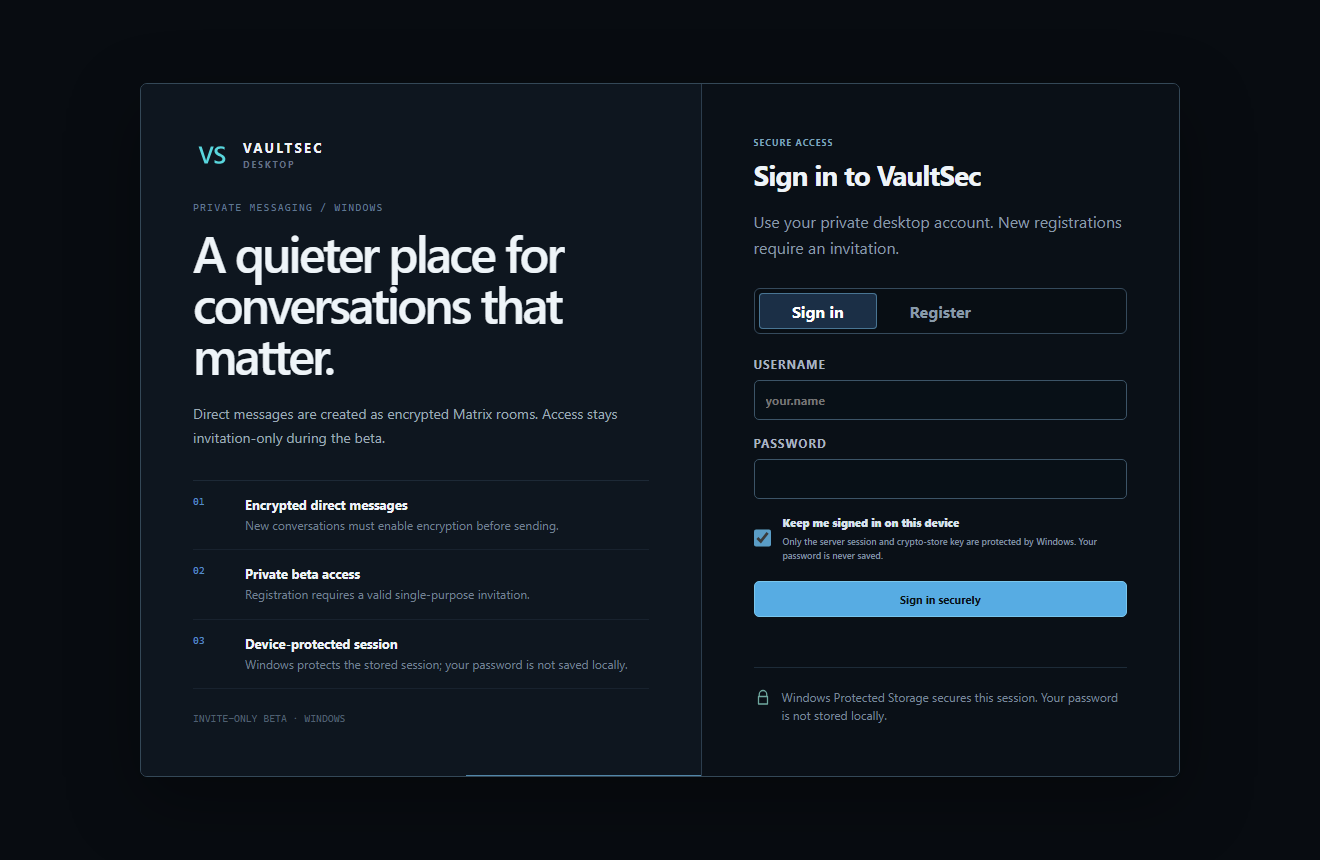
Messages and attachments are encrypted on the device before upload. The receiving devices need the matching keys to read them.
Organise your community with channels, roles and invitations. Room names and membership are not hidden by message encryption.
Already encrypted in the beta: voice, video and screen sharing use WebRTC media encryption. Further real-device tests check connection stability, audio and sharing across different networks.
Security
Choose a username instead of sharing your identity. Registration does not ask for an email address or real name, and message content is encrypted before it leaves your device. The account password is stored as a hash; it is separate from your message keys.
Short-lived pseudonymous identifiers reduce stored connection data. Network providers can still see connection IPs; delivery metadata remains. Read the details.
Understand encryption and keys →Free Desktop
The Desktop core costs €0. Optional memberships raise limits; a community upgrade applies to one selected community. You do not need an upgrade to encrypt messages.
Compare plans and limits →Downloading the installer requires no account, password or code. Register or sign in only inside the installed VaultSec Desktop app. Your message keys are handled by the app.
Do not assume so. Signing in alone does not restore missing message keys. Older-history transfer to new devices is not yet reliably verified in the current testing. Keep a working device and its app data until you have checked your history.
Not yet. The Android app is in development. Its release plan is separate from the Windows beta.
Android development
Internal alpha · security review
Last reviewed:
No public Android download yet
Verify the security fixes on Android devices, then test recovery, background behaviour and network changes with two devices.
See progress and open checksVaultSec vs Discord
Both apps encrypt voice and video. For text, VaultSec requires encrypted Matrix rooms; Discord does not provide text E2EE. Encryption does not by itself make either service anonymous.
| Product focus | VaultSec | Discord |
|---|---|---|
| Discovery | No public people or community directory in the current beta | Discover surfaces can list eligible Community Servers |
| Text messages | Encrypted Matrix rooms are required before content is sent | Text messages are not end-to-end encrypted |
| Voice, video and streams | Encrypted WebRTC media via TURN; cross-network beta testing remains open | Voice, video and Go Live are E2EE by default; Stage channels are the stated exception |
Source: Discord on text, voice and video encryption ↗
Open the full comparison →